Materials you can use when introducing K386 Apps in articles, blogs, social media and videos. You don't need to contact us beforehand.
I'd be really happy if you introduced the apps.
Your guide, Hana
When you use these materials
You may use the icons, images and descriptions freely to introduce the apps. Resizing and cropping are fine, but please don't change their colors or shapes.
For where to get an app, please link to that app's page (k386.sub.jp). Please don't redistribute the DMG files themselves.
Please use the character images only to introduce K386 Apps.
macOS 13 or later · Apple silicon / Requires an Elgato Stream Deck
One-liner
ClauDeck: Answer AI approvals with a physical key.
Description
A macOS menu bar app that shows the state of Claude Code, Codex and Antigravity on the keys of an Elgato Stream Deck. When an approval is needed, you can press a key to approve or cancel without switching windows. Free, notarized by Apple. https://k386.sub.jp/ClauDeck/en/
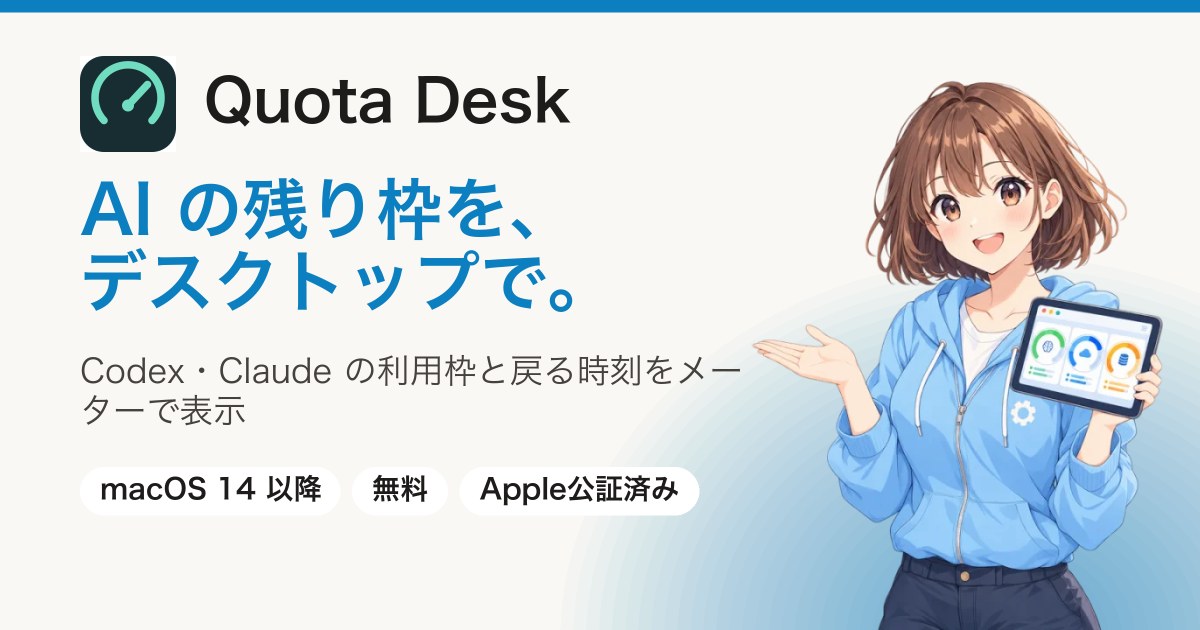
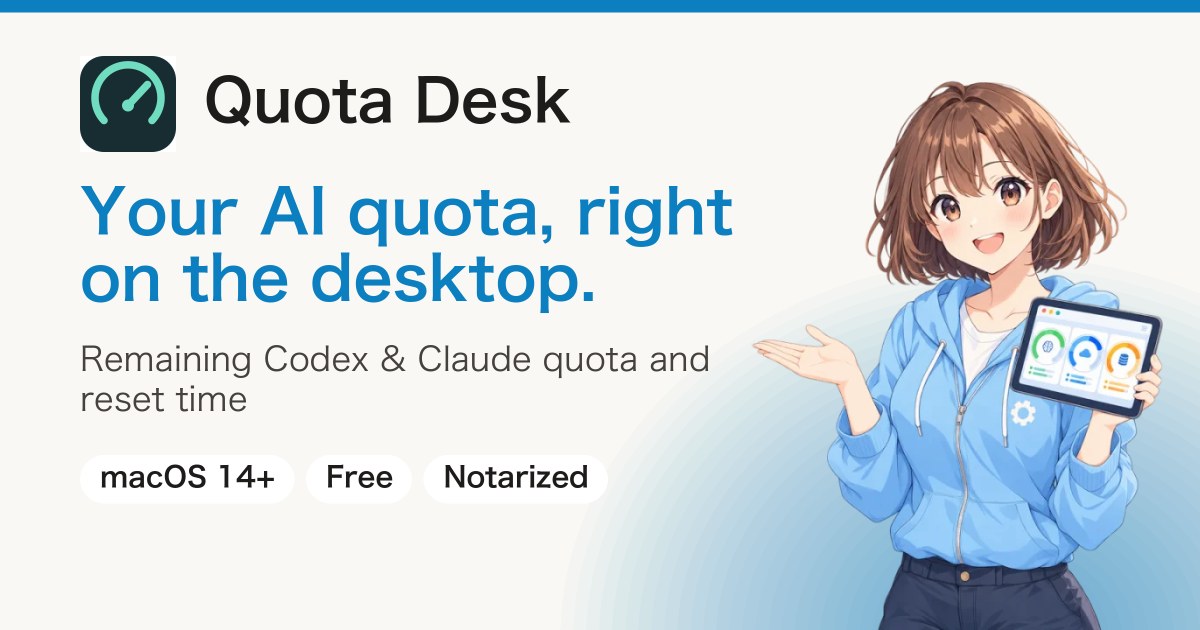
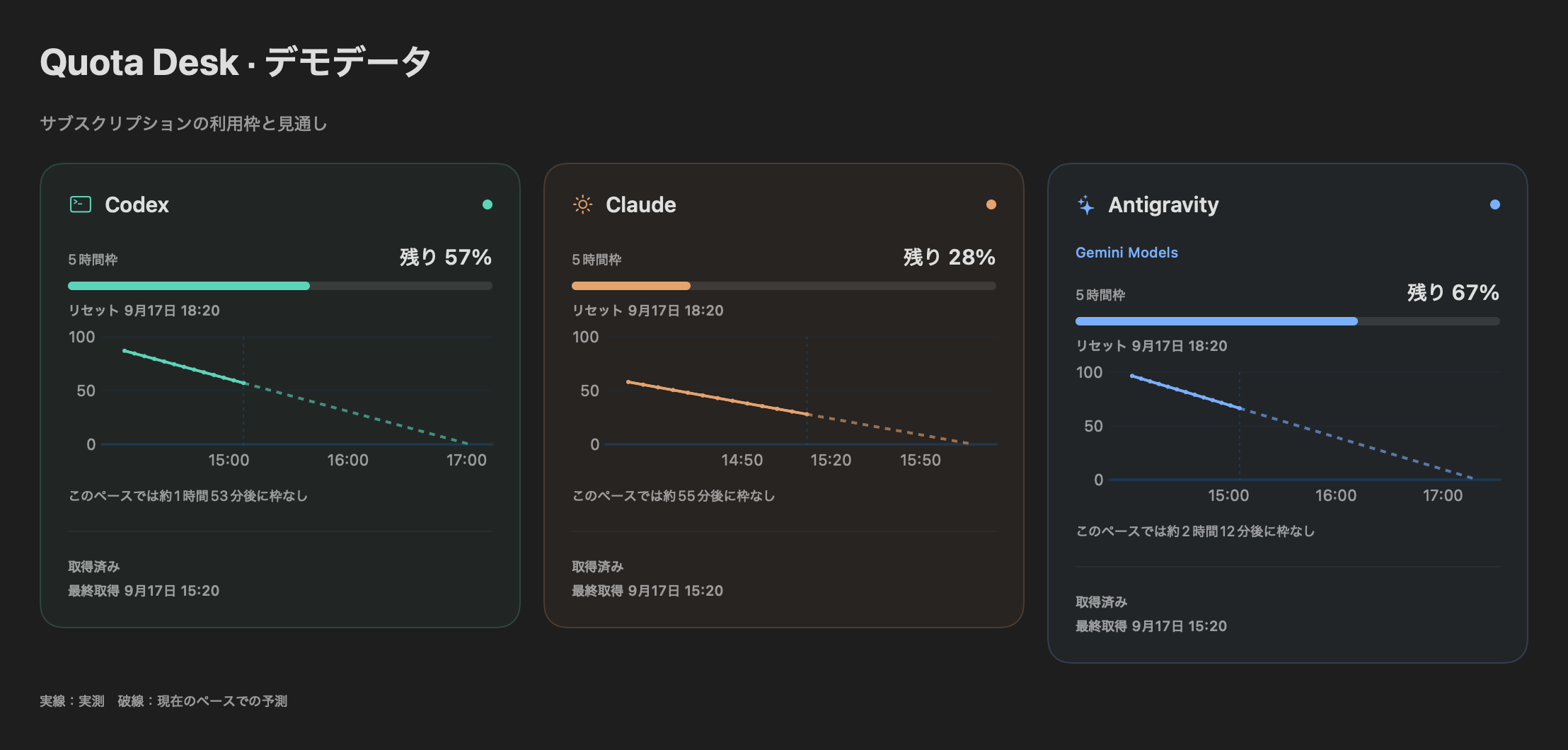
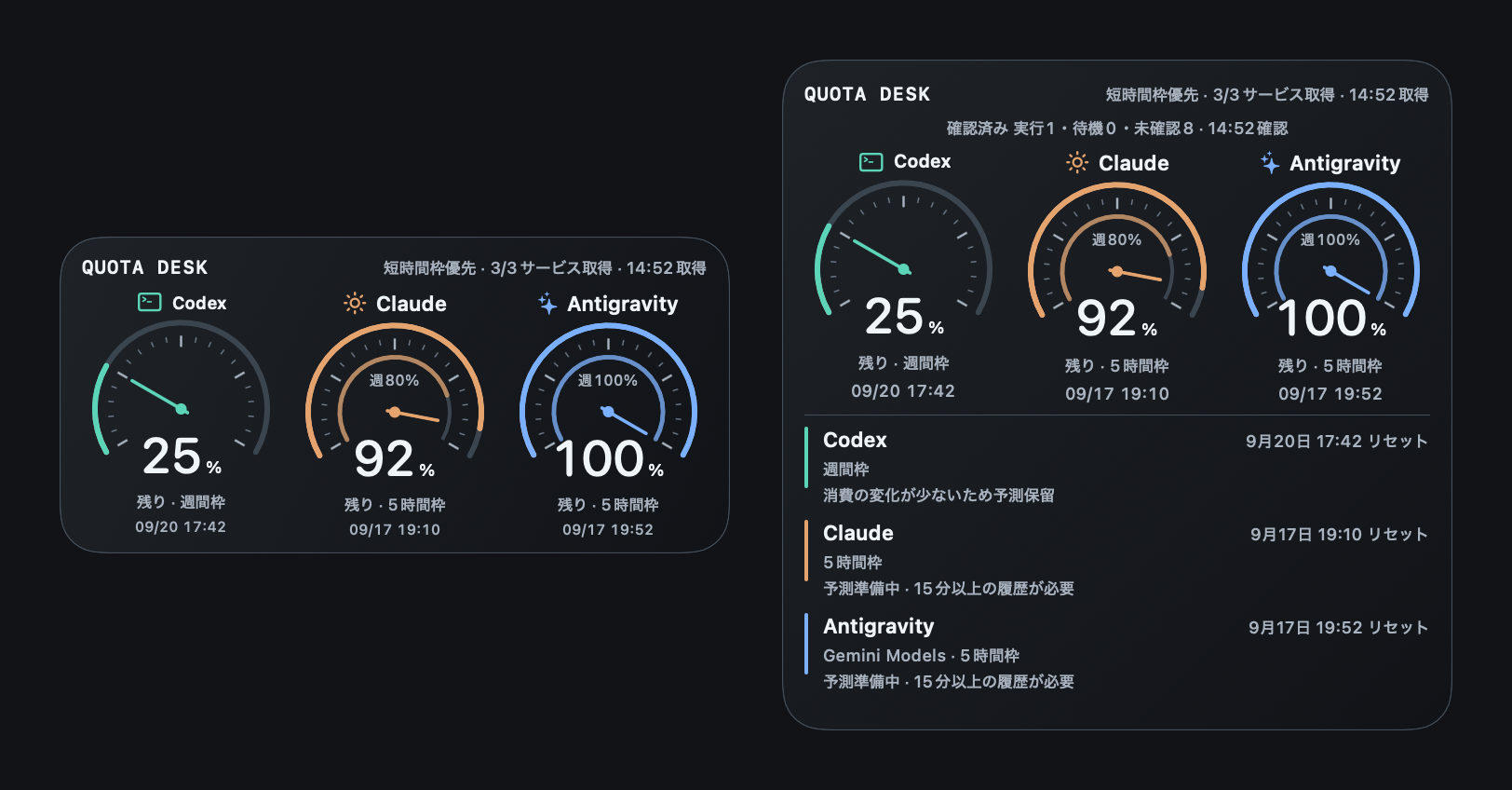
A macOS app that shows the remaining usage quota of Codex, Claude and Antigravity, and the time each quota resets, in a widget on your Mac desktop. It helps you avoid hitting a usage limit in the middle of work. Free, notarized by Apple. https://k386.sub.jp/QuotaDesk/en/
A Mac app that opens Gmail, Calendar, Keep and Contacts for several Google accounts at the same time, with each account's sign-in kept separate. For people who go back and forth between work and personal accounts. Free, notarized by Apple. https://k386.sub.jp/MailDeck/en/
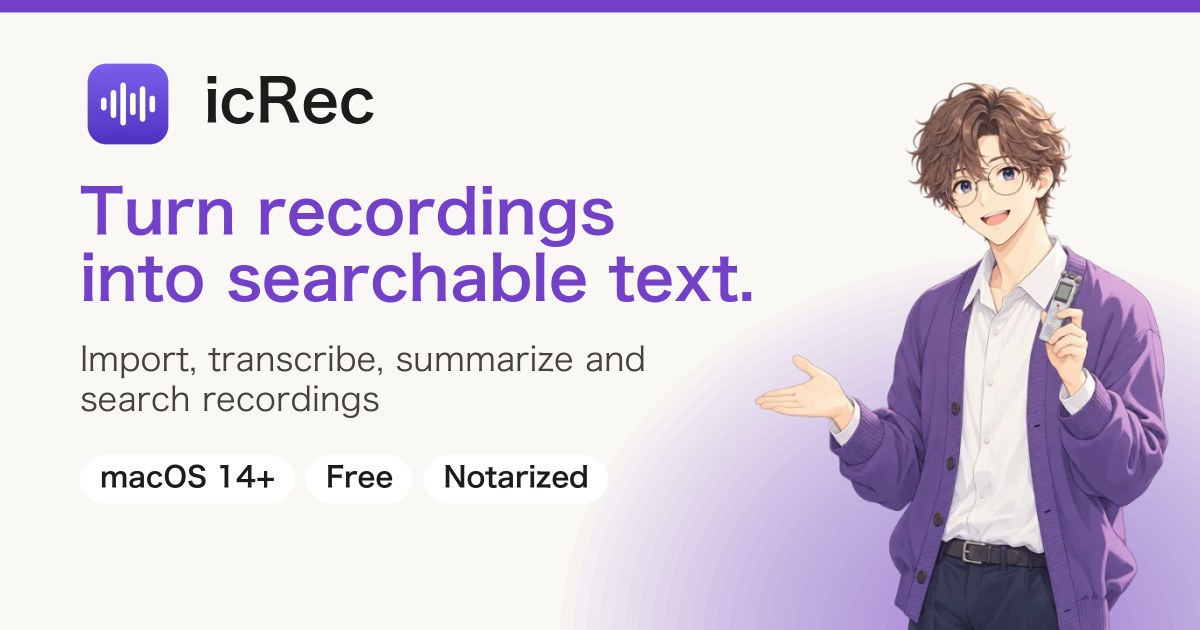
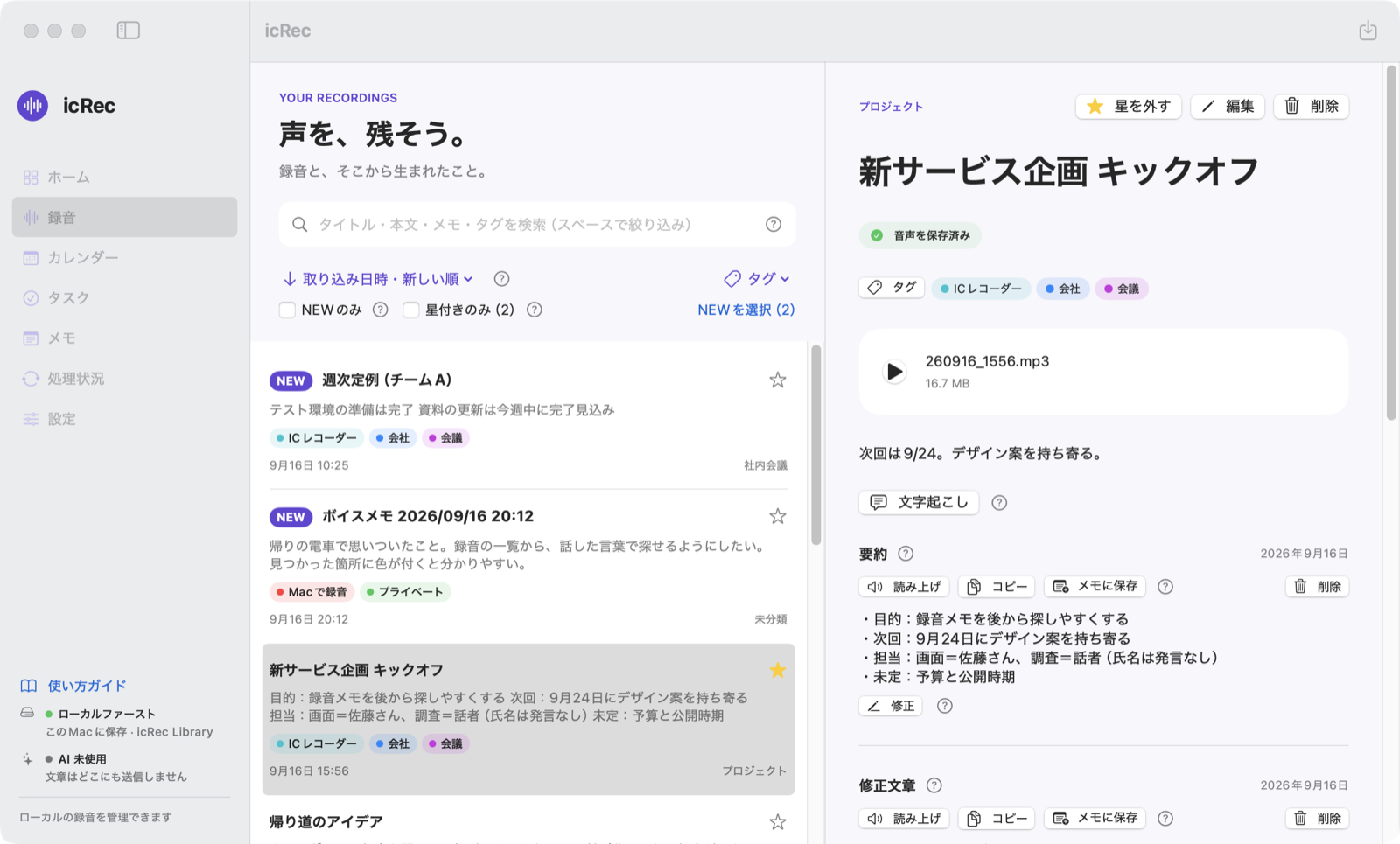
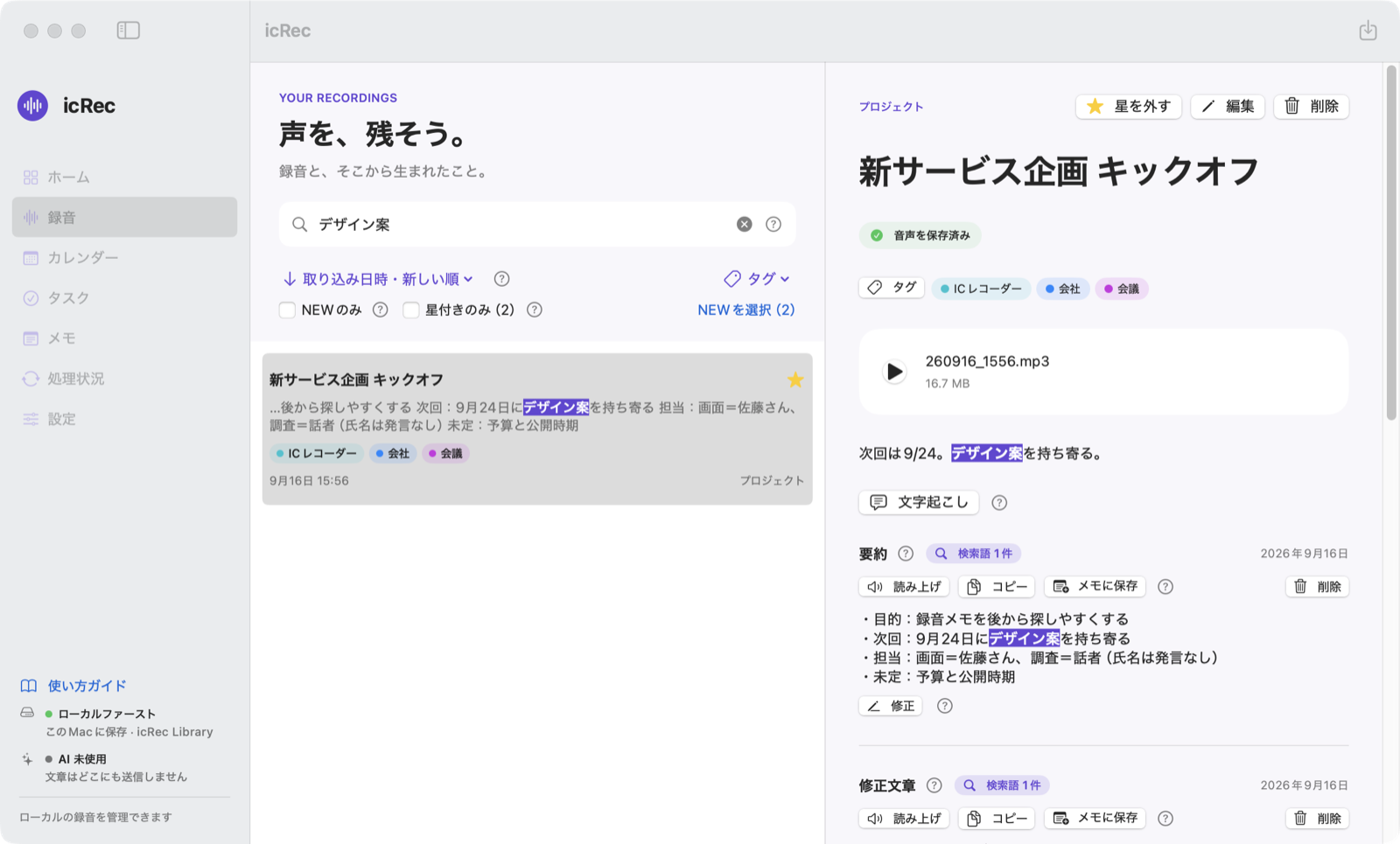
icRec: Turn recorder audio into records you can find.
Description
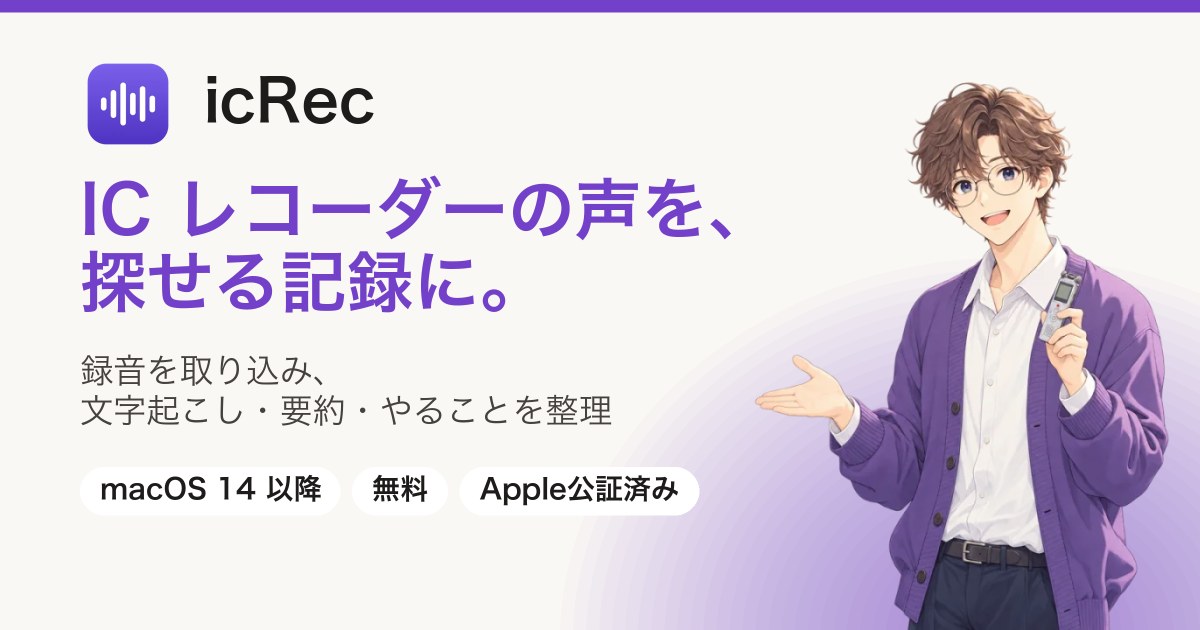
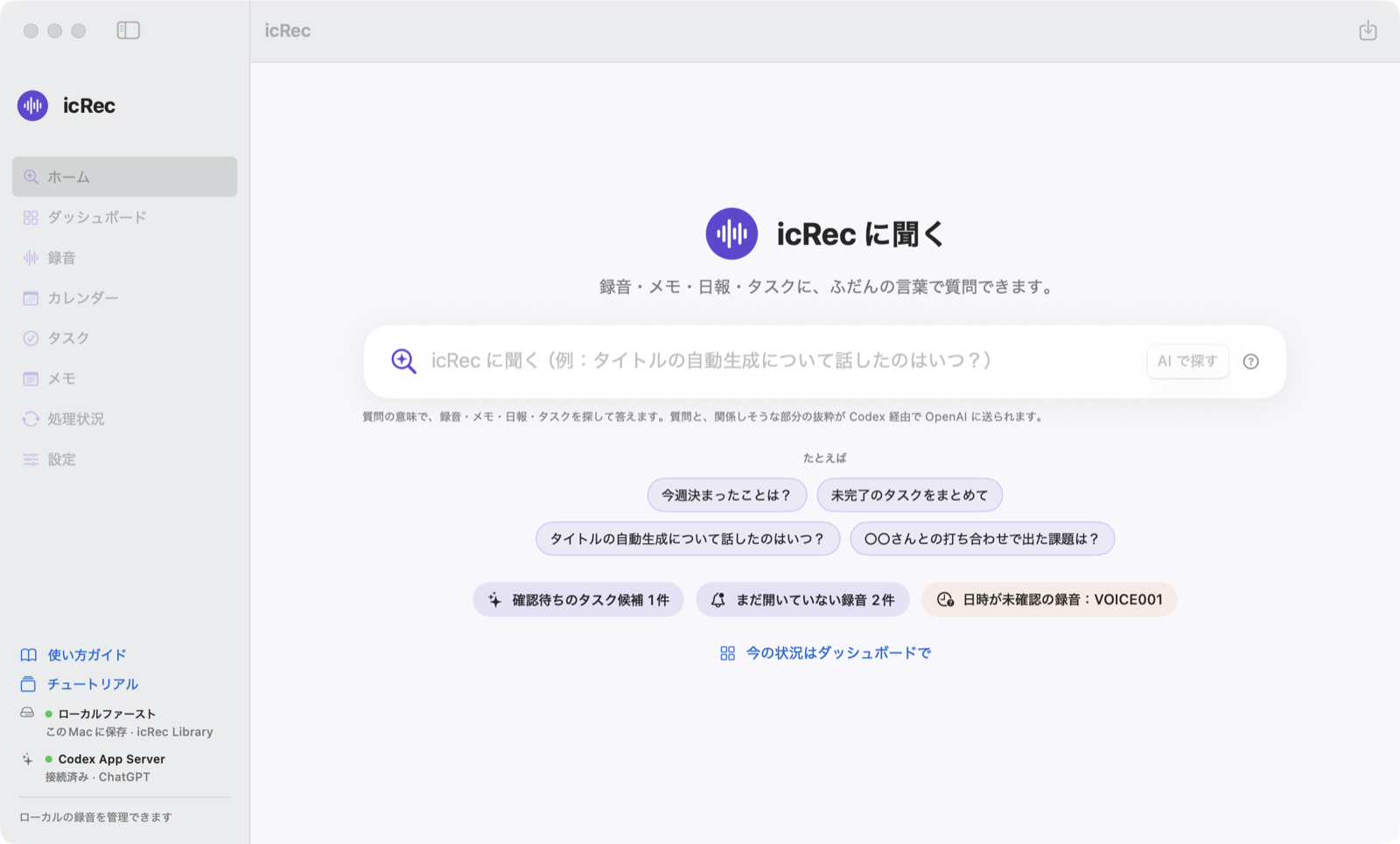
A macOS app that imports recordings from IC recorders and iPhone Voice Memos to your Mac and keeps a transcript, a summary and to-dos with each recording. You can search later by the words that were spoken. By default, it sends neither recordings nor text anywhere. Free, notarized by Apple. https://k386.sub.jp/icRec/en/
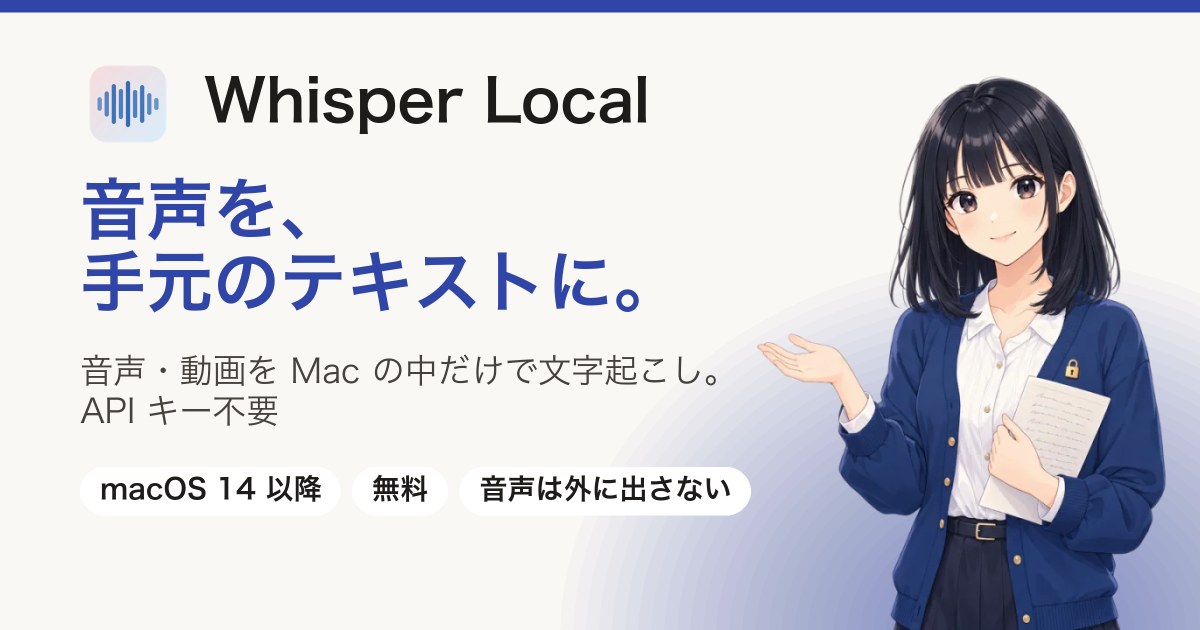
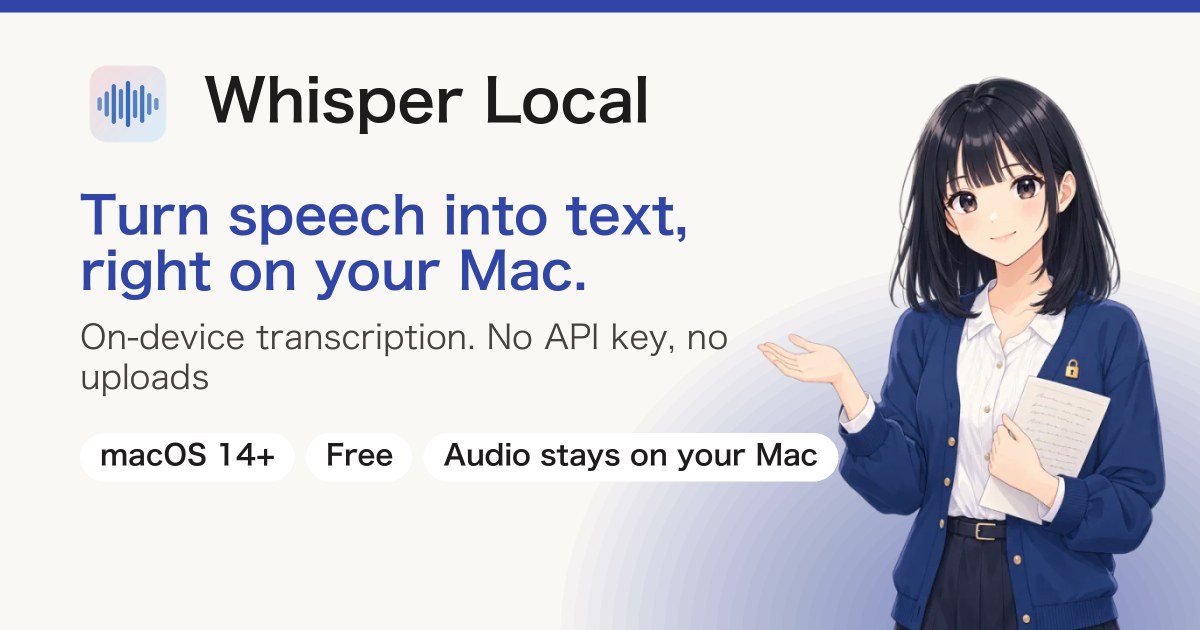
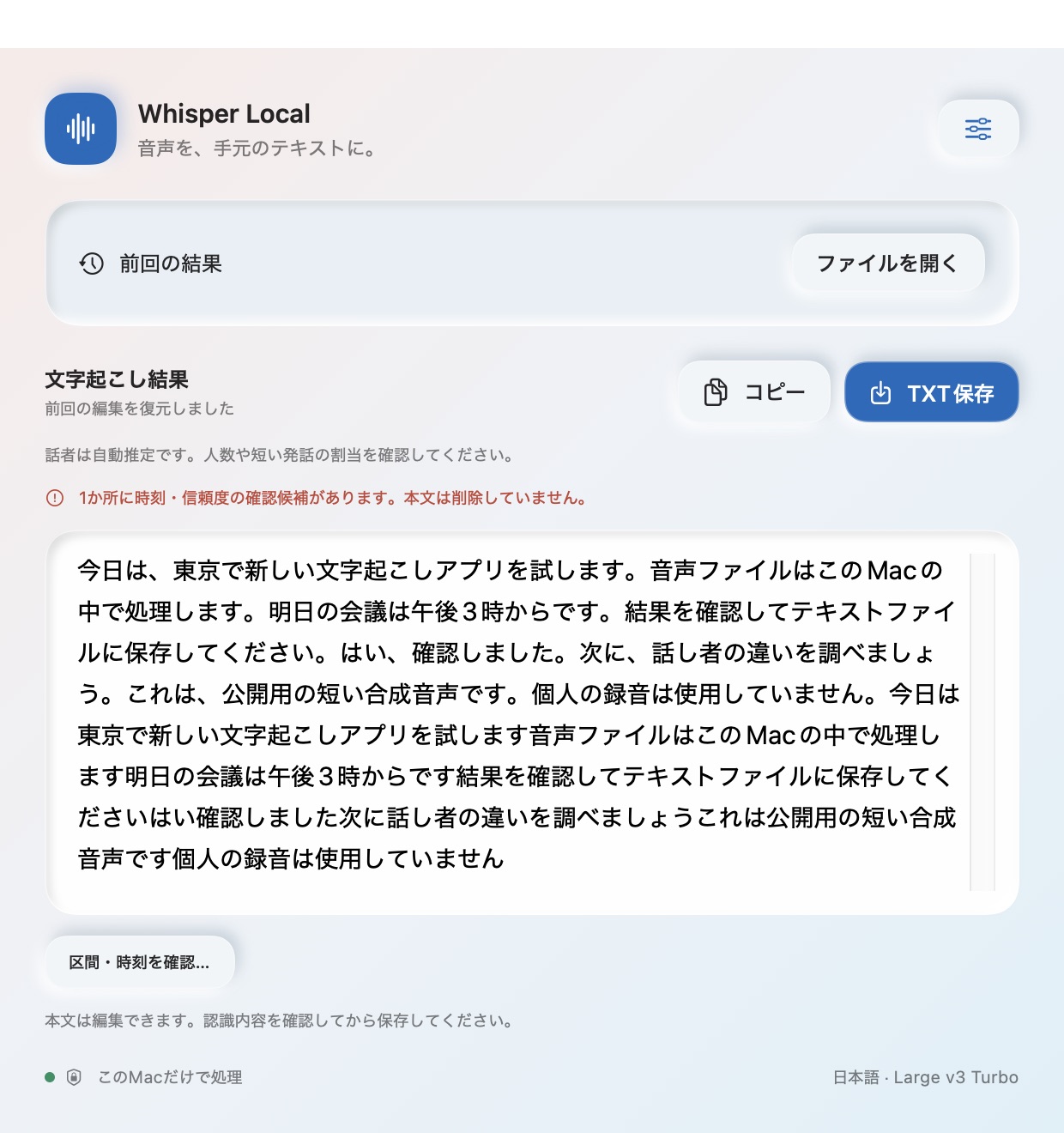
Whisper Local: Turn audio into text, right on your Mac.
Description
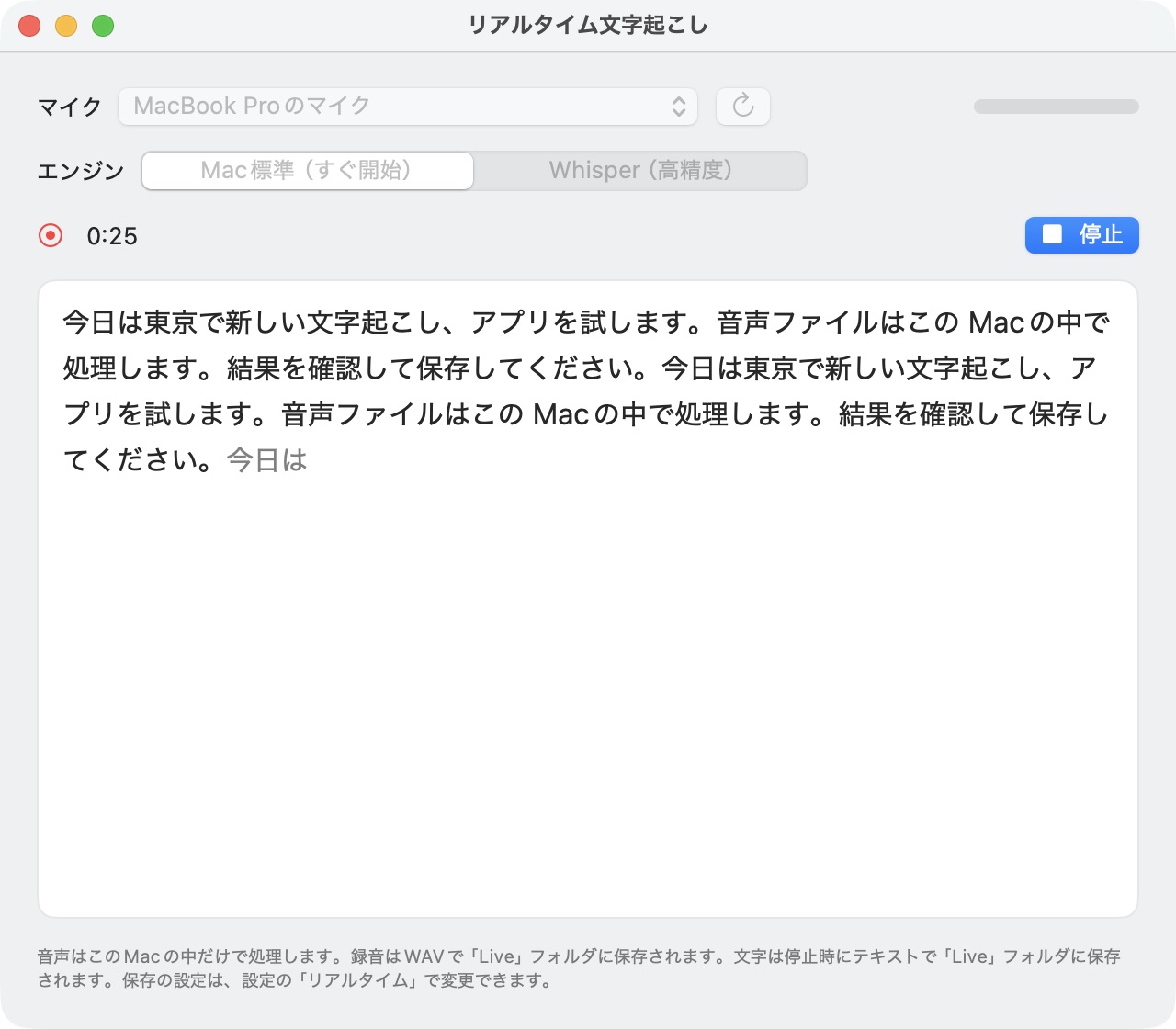
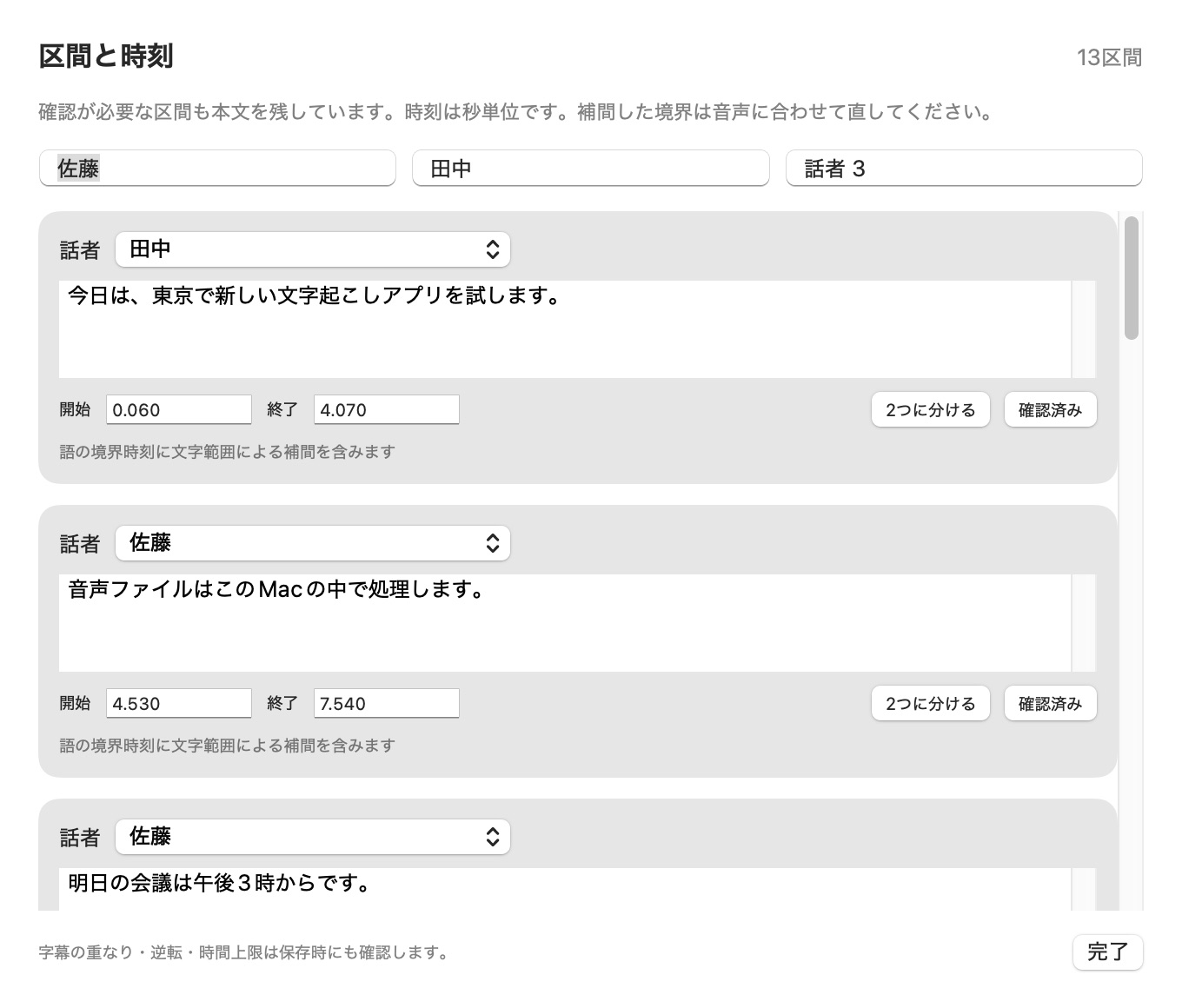
A macOS app that transcribes audio, video and your microphone entirely on your Mac. No API key needed, and audio is not sent outside. Supports real-time transcription, speaker identification and subtitle export in formats such as SRT and VTT. Free, notarized by Apple. https://k386.sub.jp/whisper/en/
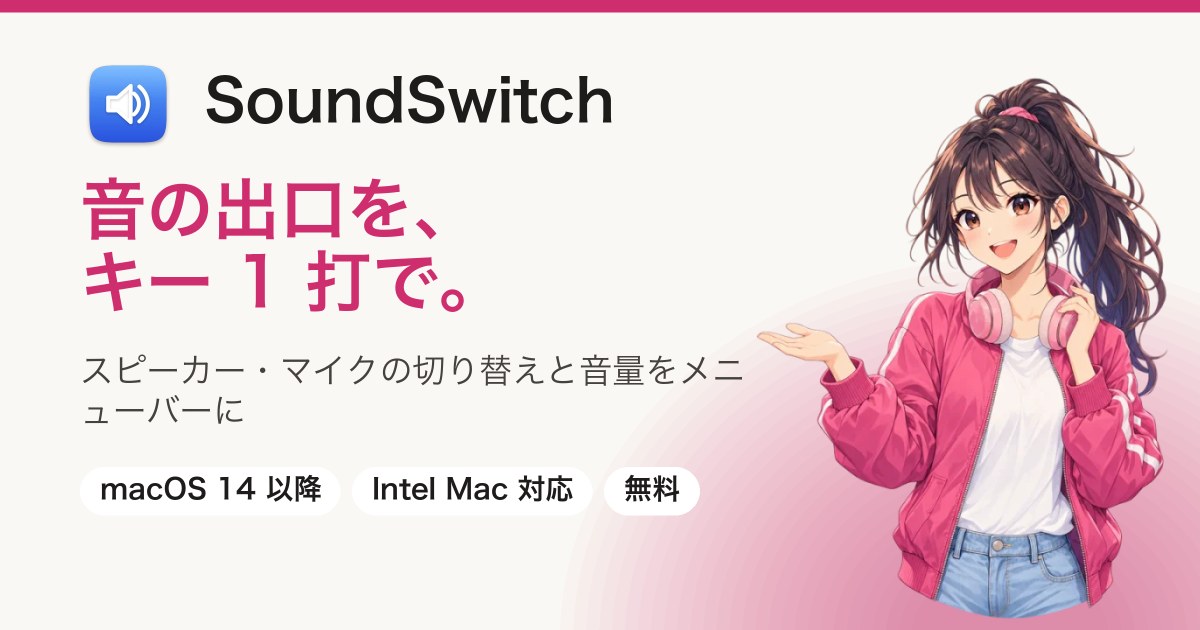
SoundSwitch: Change the sound output with one keystroke.
Description
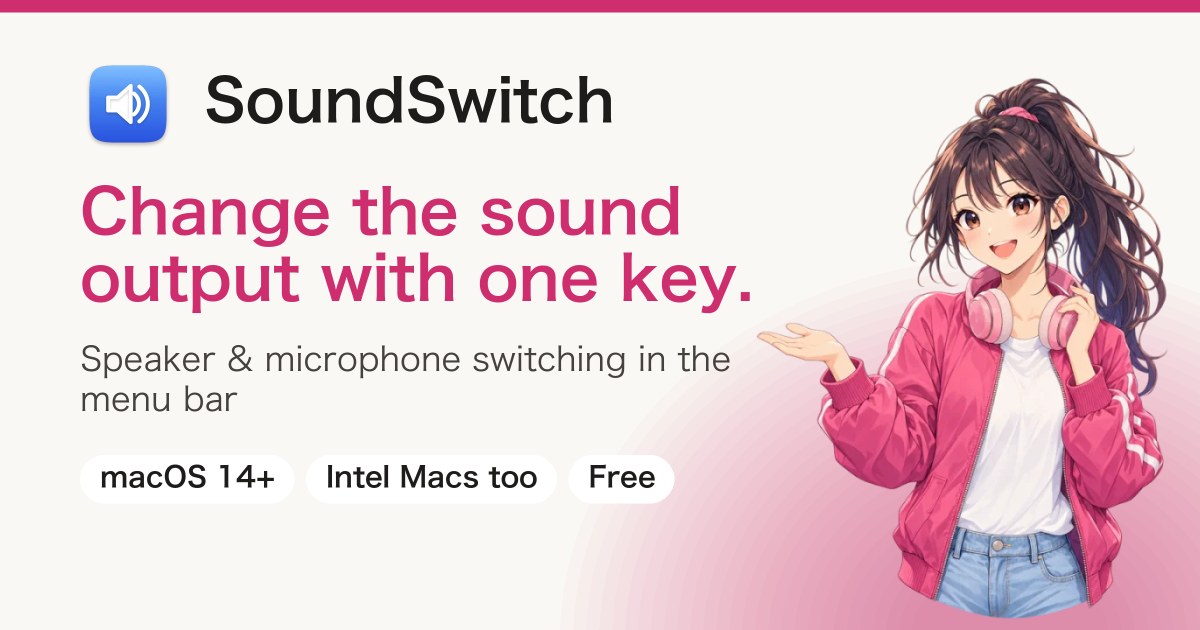
A macOS app that puts speaker, headphone and microphone switching and volume control into one menu bar icon. You can cycle through the devices you use most with a keyboard shortcut. Free, notarized by Apple. https://k386.sub.jp/SoundSwitch/en/
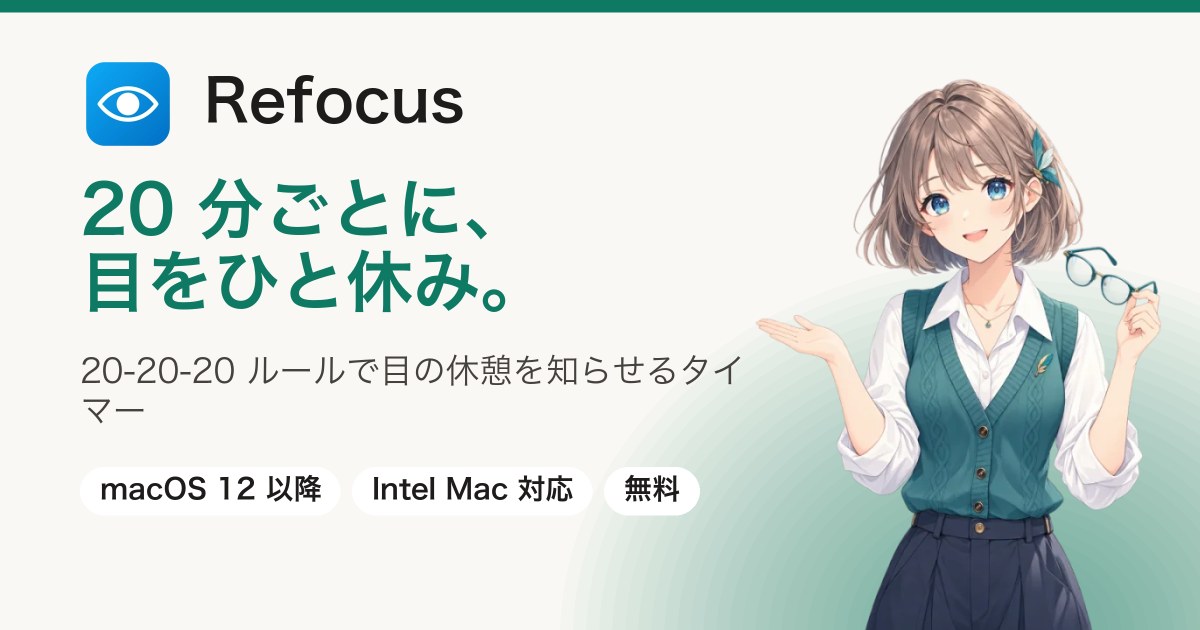
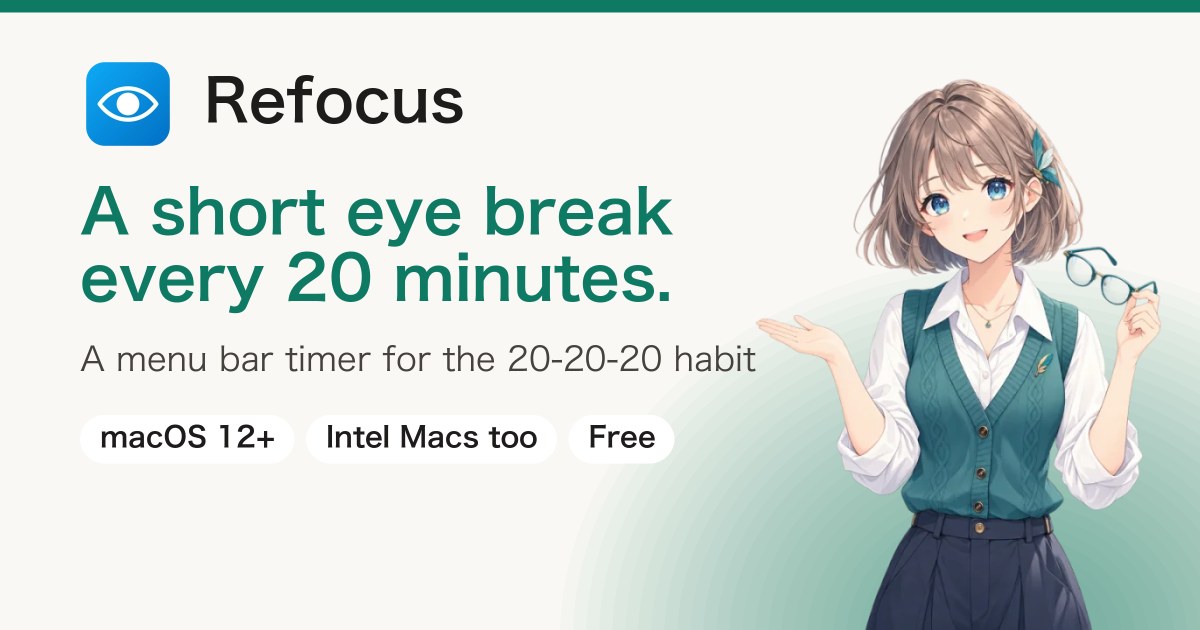
A Mac menu bar timer that makes the 20-20-20 rule (“after 20 minutes of work, look at something far away for 20 seconds”) easier to keep. When it's time, a full-screen notice tells you to take a break. Free, notarized by Apple. https://k386.sub.jp/Refocus/en/
A Mac menu bar app that shows a glowing ring around the mouse pointer and a ripple where you click. It makes the pointer easier to find on large screens, across multiple displays and in screen shares. Free, notarized by Apple. https://k386.sub.jp/MouseHalo/en/
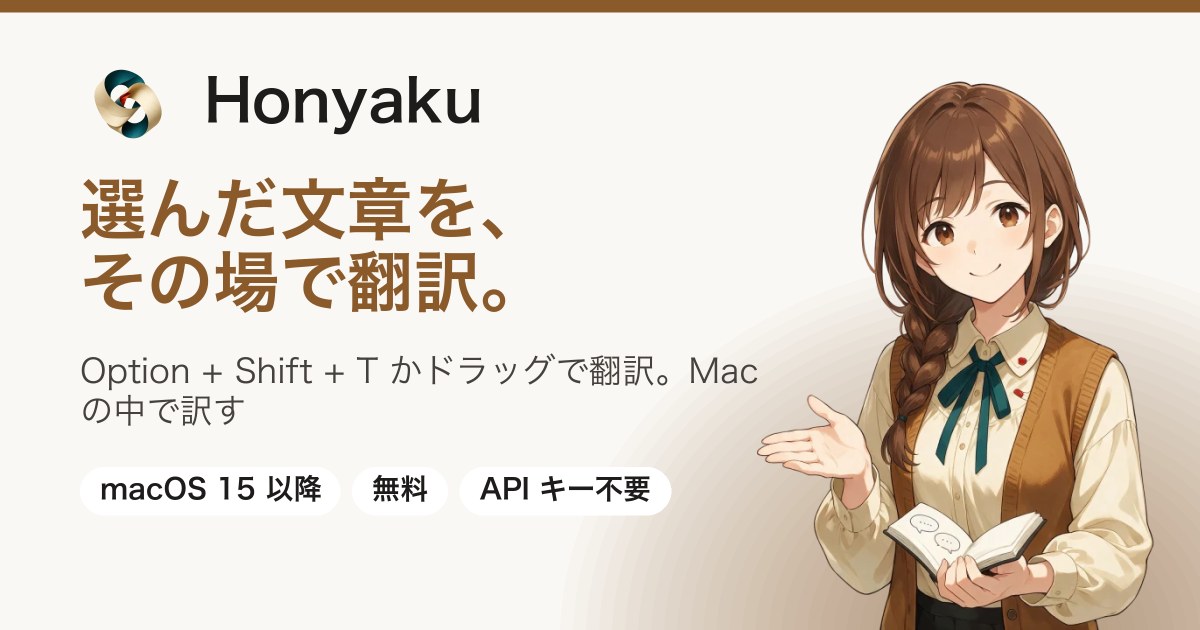
A Mac menu bar app that translates text you select in other apps with just ⌥⇧T, or by dragging it onto a drop area. Hold F1 and draw a box on the screen, and it also reads and translates text in images. You can copy the translation or replace the original text with it. Translation and text recognition both run on your Mac, and no API key is needed. Free, notarized by Apple. https://k386.sub.jp/Honyaku/en/
KotobaSync: Video subtitles, from transcription to Japanese translation.
Description
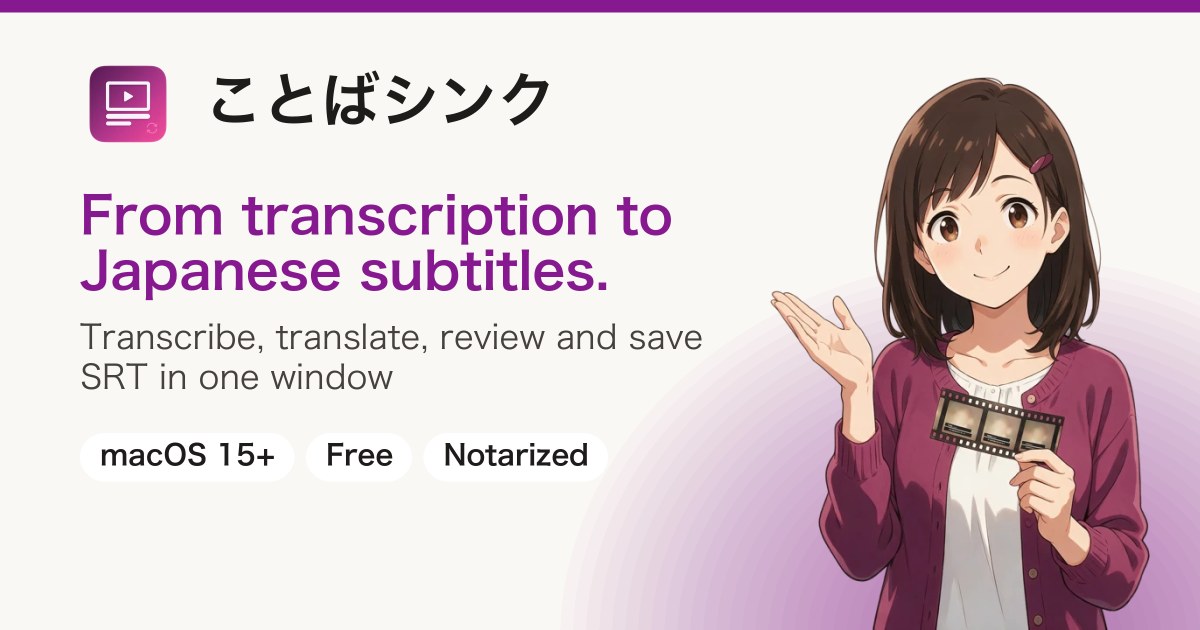
A Mac app that, when you open a video, transcribes it on your Mac (Whisper) and translates it into Japanese subtitles with the translation engine you choose. While the video plays, you can compare the original and the translation, fix lines, and save as SRT. You choose the translation engine from Ollama, LM Studio (on this Mac) or Codex (OpenAI's cloud) and set it up yourself. Free, notarized by Apple. https://k386.sub.jp/KotobaSync/en/
A Mac app that opens YouTube, YouTube Music, TVer, ABEMA and radiko, each in the site's own official web page. You can keep them playing in a small window (PiP) in front of other apps while you work, and see YouTube Music releases listed by release date. On radiko, you can look up the songs that were played on YouTube Music. It is an app for watching and listening, with no saving or recording features. Free, notarized by Apple. https://k386.sub.jp/Picklio/en/
Movie Metadata: Film details, written into your videos.
Description
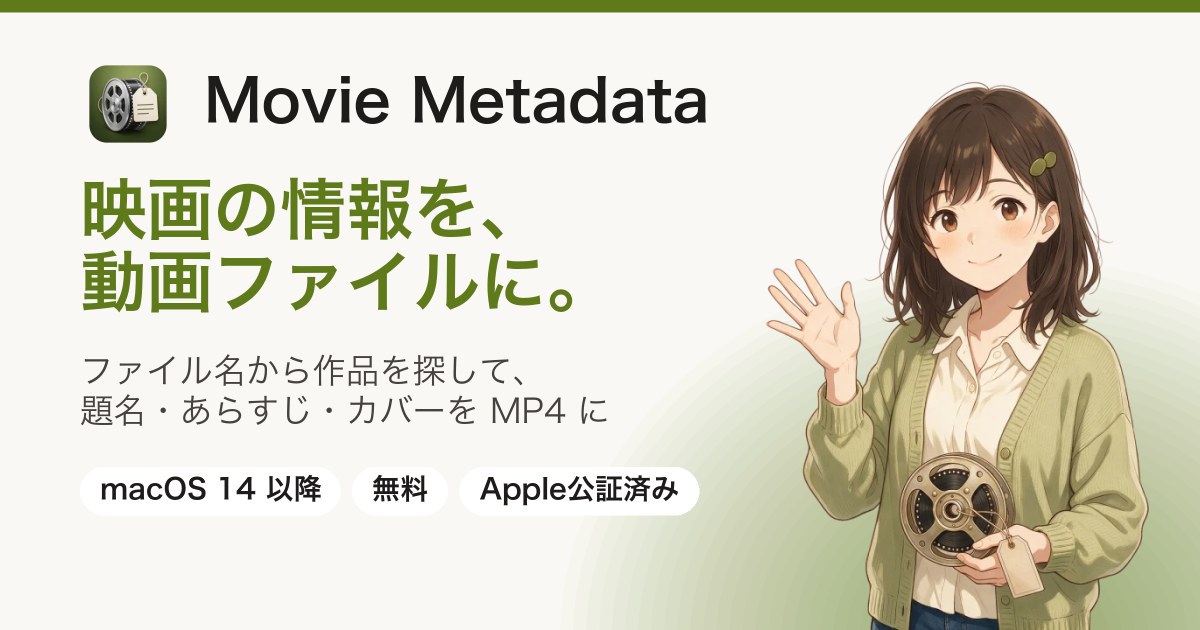
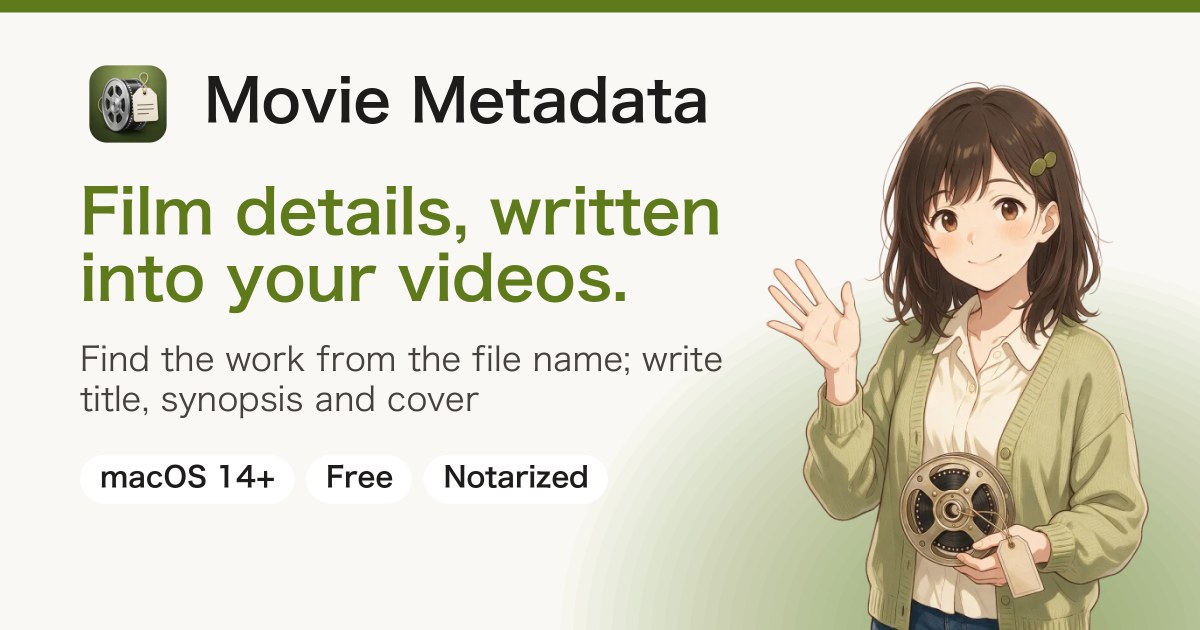
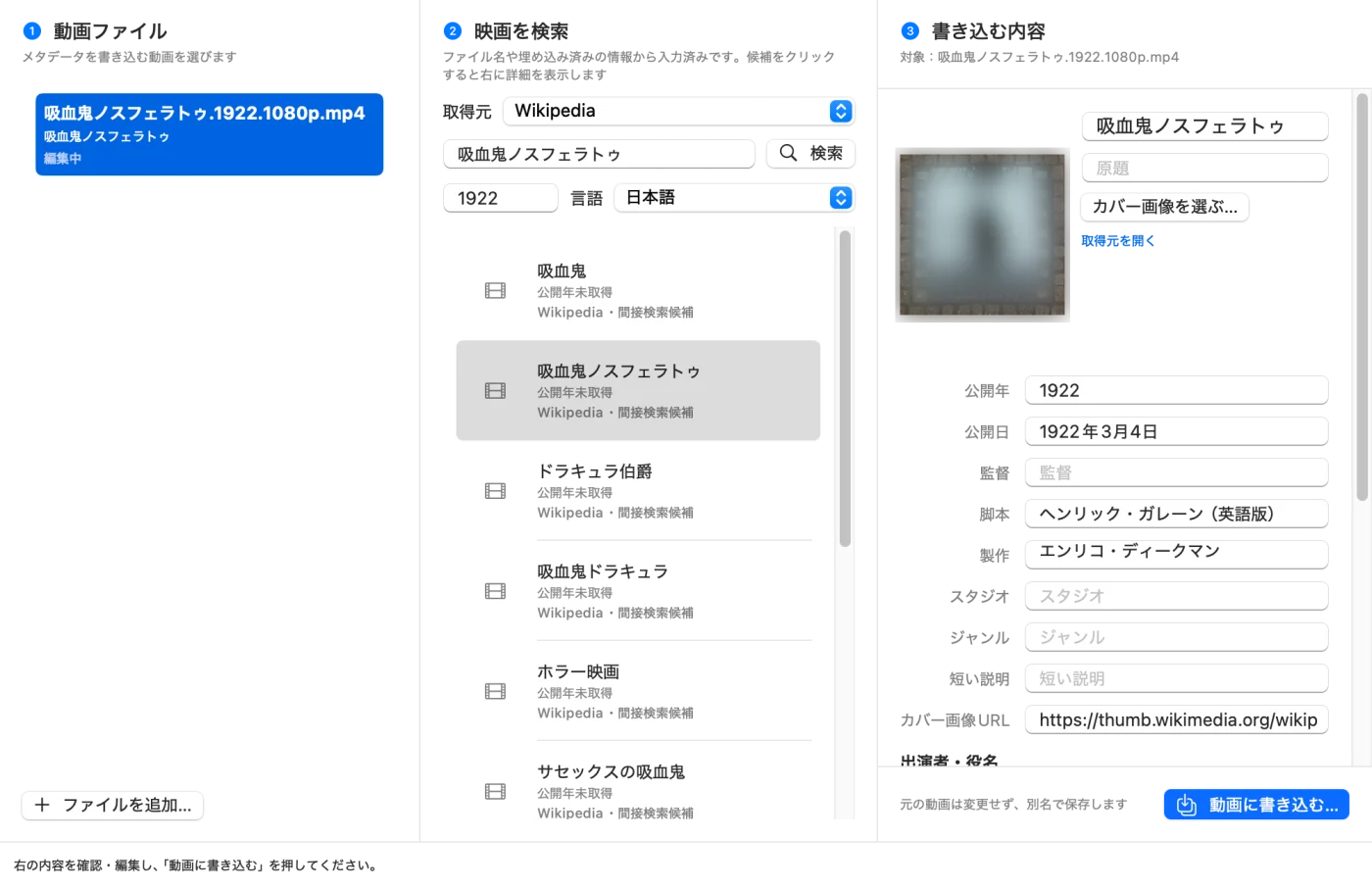
A Mac app that finds the film or TV program from the file name of your own videos (MP4, M4V, MOV), lets you check the title, synopsis, cast, director, genre, release date and cover image, and writes them into an MP4. Eleven sources including TMDB, Eiga.com, TVer, ABEMA and Wikipedia. Video and audio are not re-encoded, and the original video is not changed. Free, notarized by Apple. https://k386.sub.jp/MovieMetadata/en/
Chrome extension (Windows, Mac) · For jinjer attendance · Unofficial
One-liner
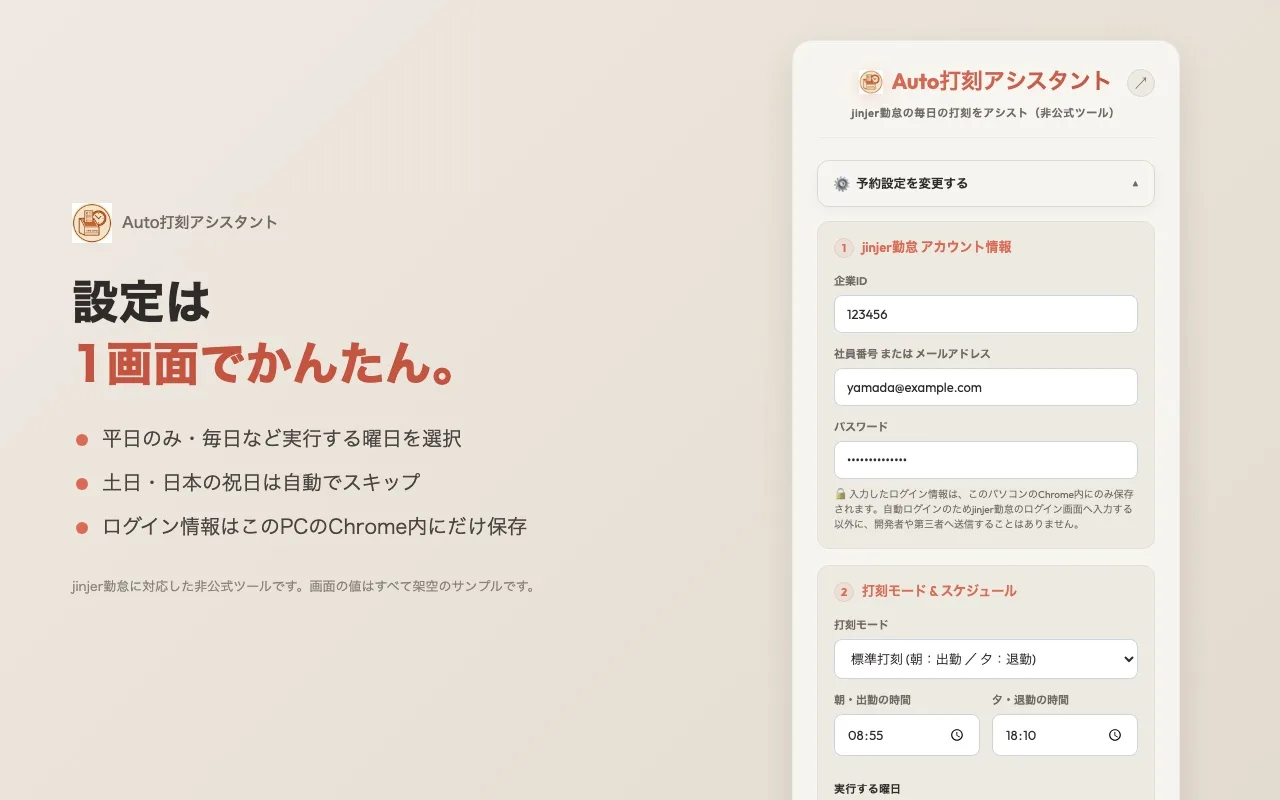
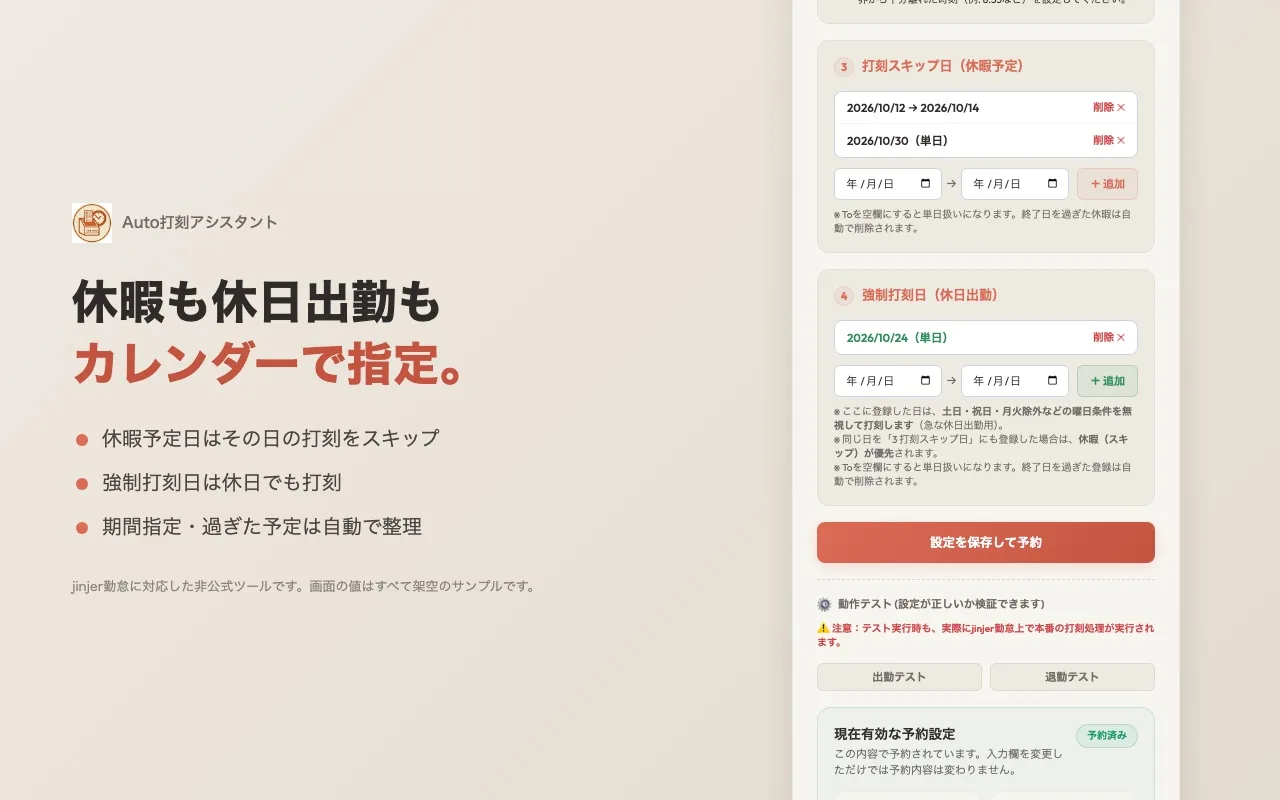
Auto打刻アシスタント: Your daily clock-ins, done automatically at the times you set.
Description
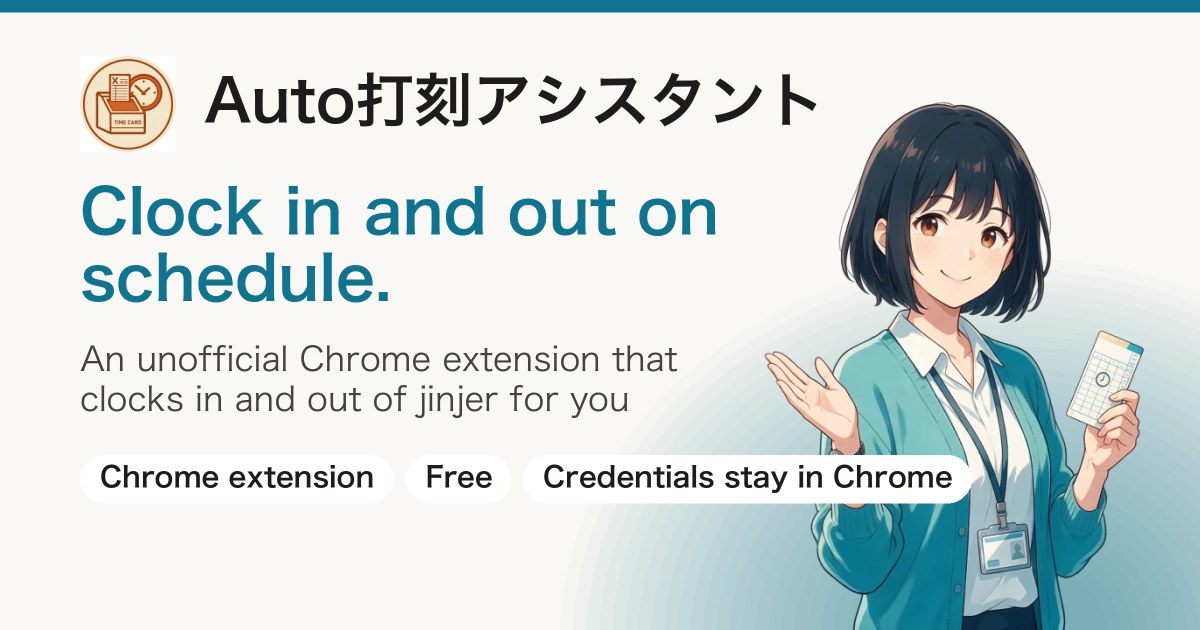
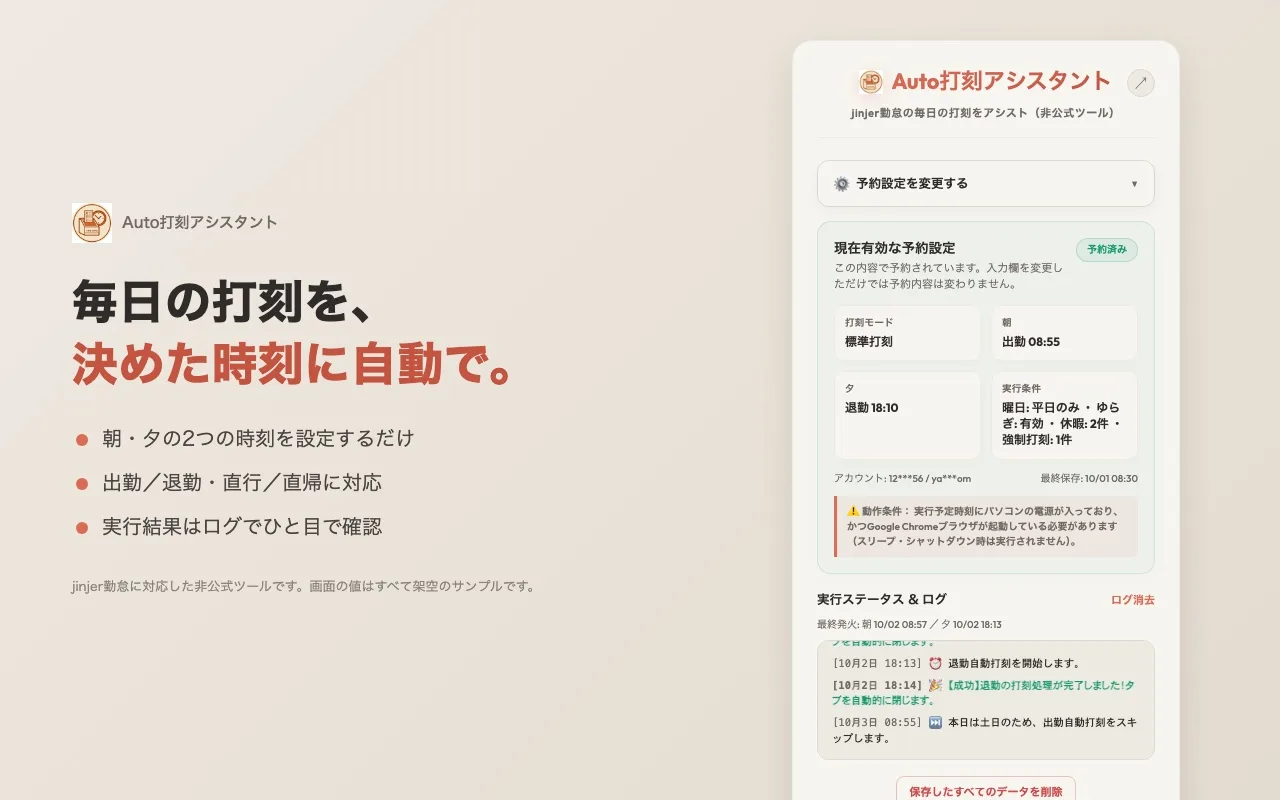
A Chrome extension that clocks in and out (or records going directly to and from an outside site) on jinjer, a Japanese attendance service, automatically at the morning and evening times you set. It skips weekends, Japanese holidays and planned days off, and can also clock in only on the days you work on a day off. Your login details are stored only inside Chrome. Free, published on the Chrome Web Store (an unofficial tool not affiliated with jinjer Co., Ltd.). https://k386.sub.jp/WebButton/en/